01
Accessibility ramp
The code asks for a slope of 8.33% at most. You rest the iPhone on the floor and see right away whether the ramp at the store, the school, the clinic is within spec or not.

Apps · Protractor
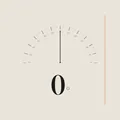
Reads from the iPhone accelerometer. You rest it on a surface, a wall, a ramp, and read the angle big, in editorial type. Tap to calibrate, hold mode to freeze the reading.
what it is
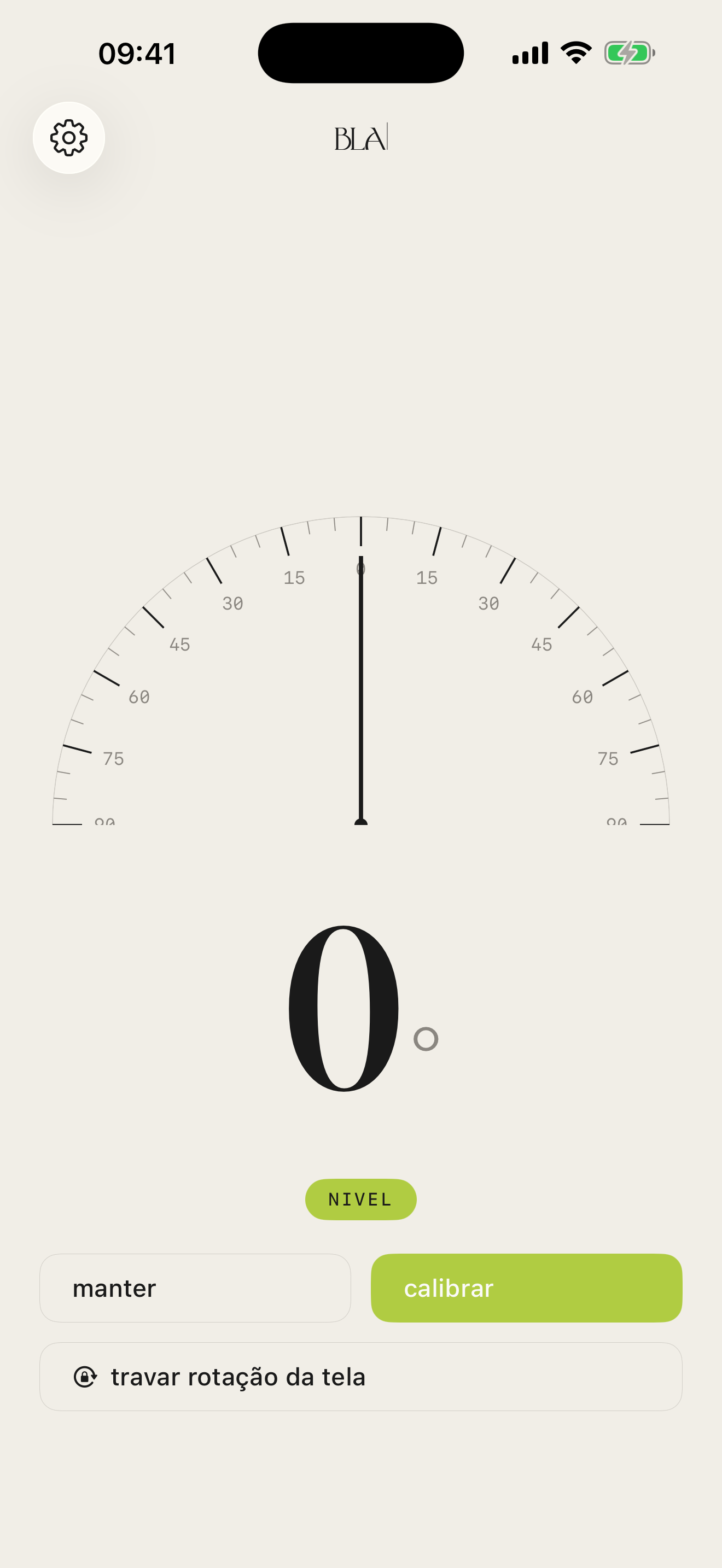
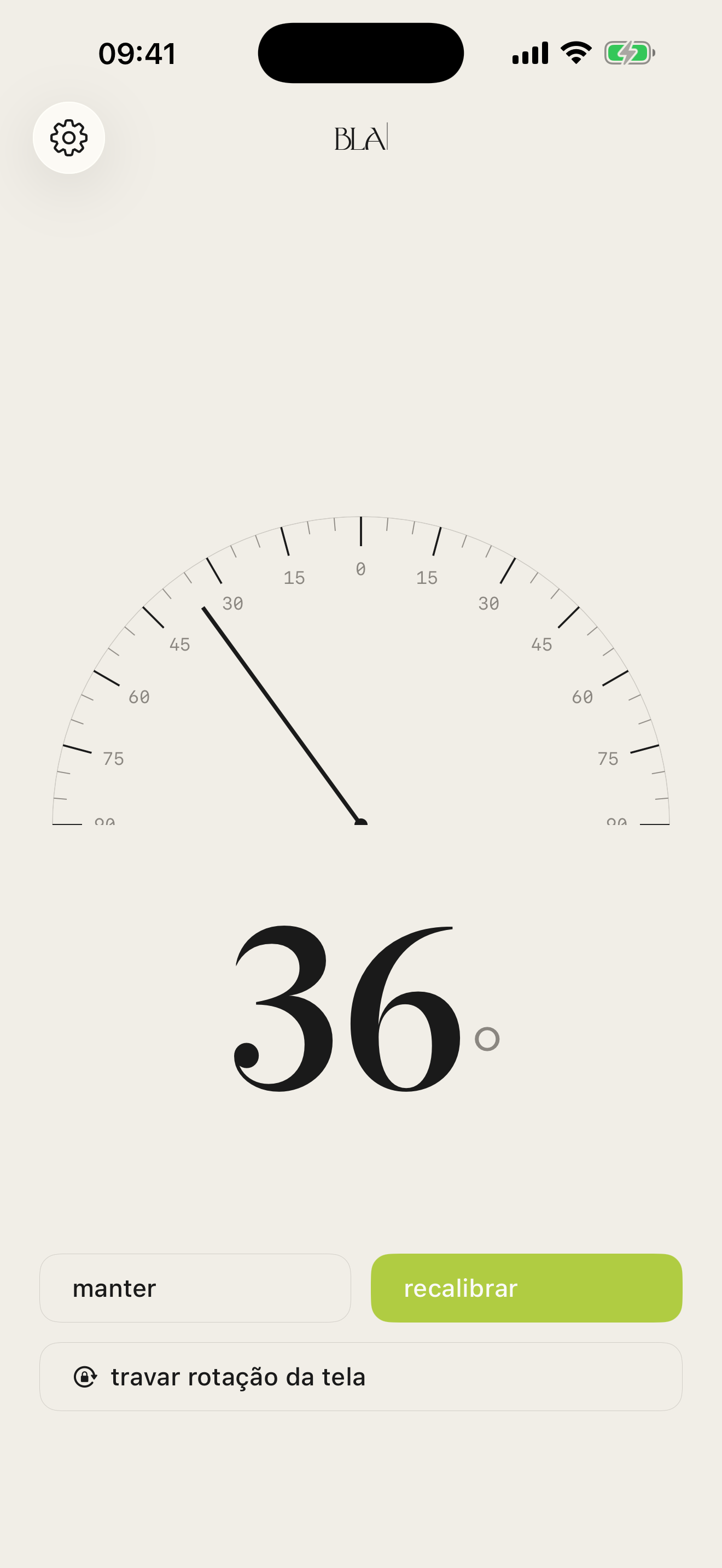
The free protractors on the App Store are spat-out utilities, full of ads, with a loud icon. Transferidor BLA is the opposite. Editorial typography, a calm background, a big angle readout in whole degrees, an arc with thin marks every 5° and long marks every 15°.
The reading comes from the iPhone accelerometer. You lay the phone on a surface, rest it on a wall, set it on a ramp, and the app figures out on its own which axis is in use. No mode to choose, no tab to switch.
For better precision, calibrate. You place the iPhone in the position you consider the zero of the measurement (the surface that should be level, the wall that should be plumb), tap calibrate, and the app reads the tilt relative to that zero. Tap recalibrate to change the reference, tap clear to go back to the raw reading.
what it is for
The protractor that lived in your school ruler now fits in your pocket. And shows it calmly.
01
The code asks for a slope of 8.33% at most. You rest the iPhone on the floor and see right away whether the ramp at the store, the school, the clinic is within spec or not.
02
Before drilling the drywall, you hold the iPhone against the television and check it is straight. Then you check again, all screwed in, without borrowing a level.
03
A small solar panel tilts best at roughly your latitude. You set it on the slab, the roof, the yard, without a paper protractor.
04
Cutting a frame at 45°, checking a table leg, lining up a piece before nailing. The angle shows up big on screen, in calm editorial type.
notable angles
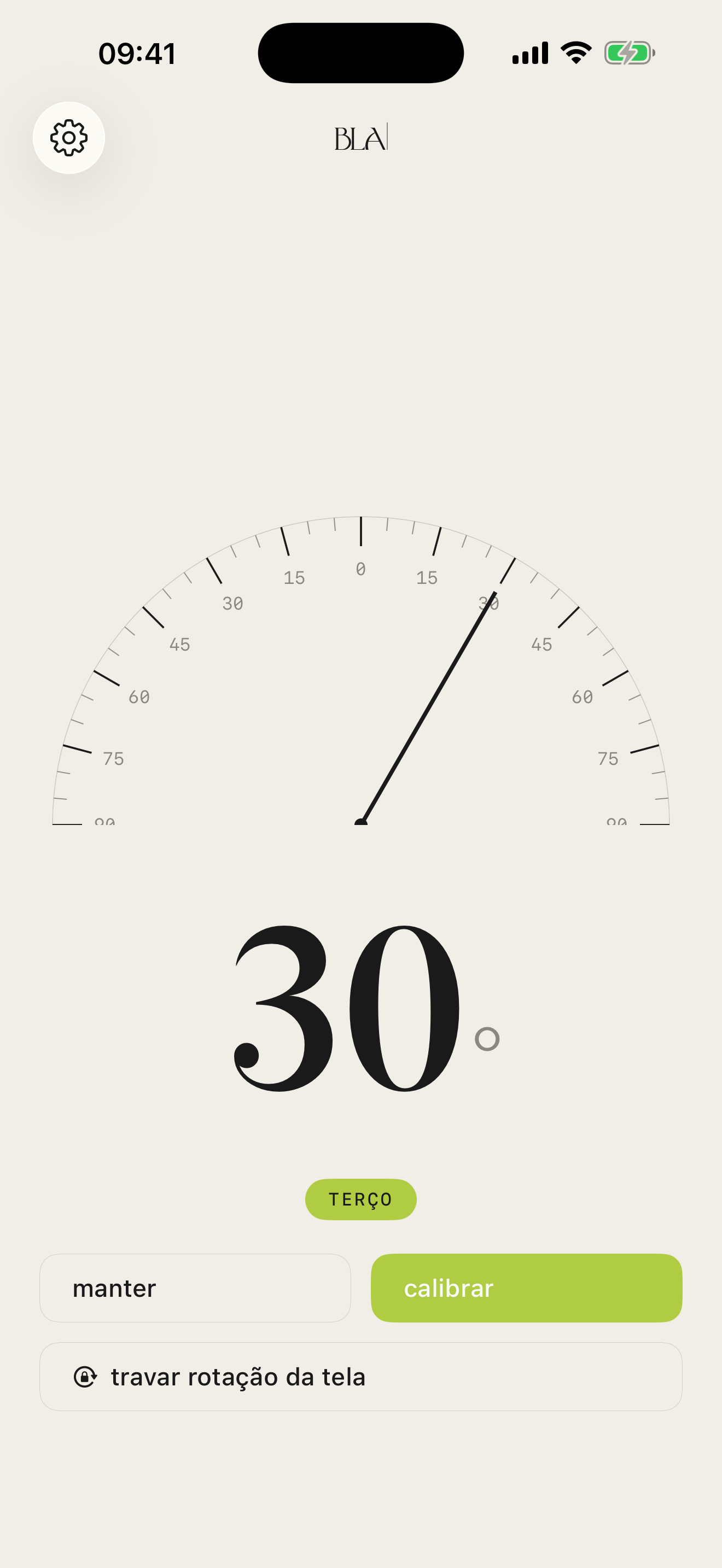
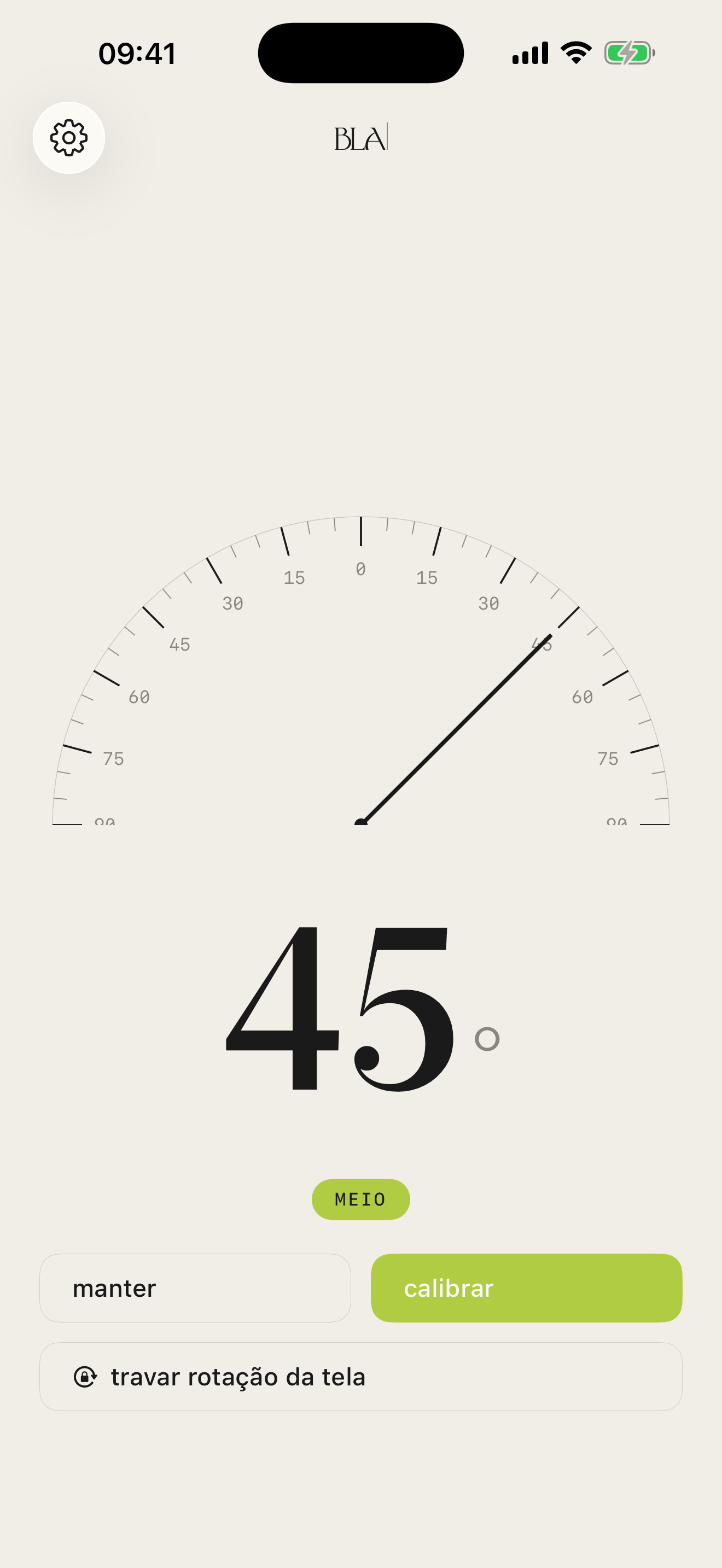
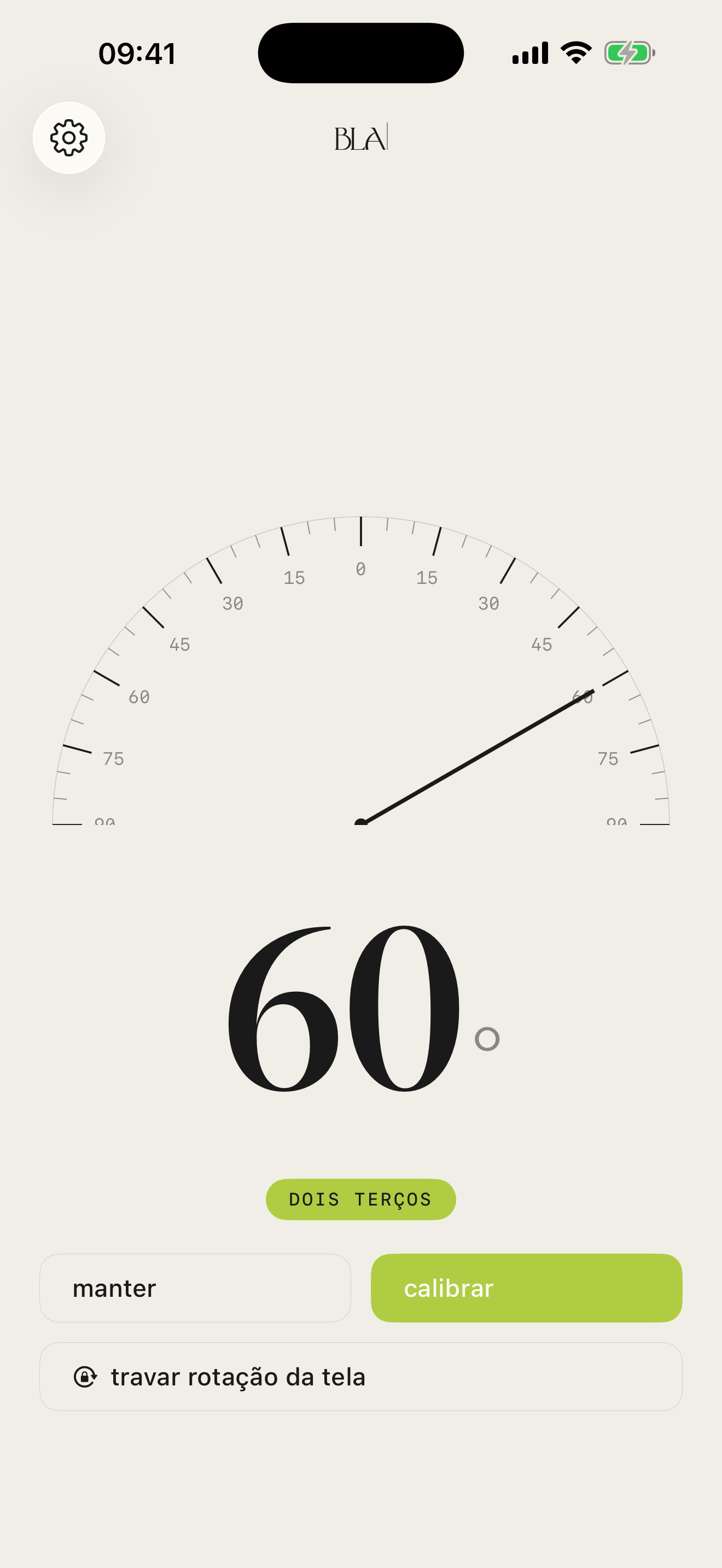
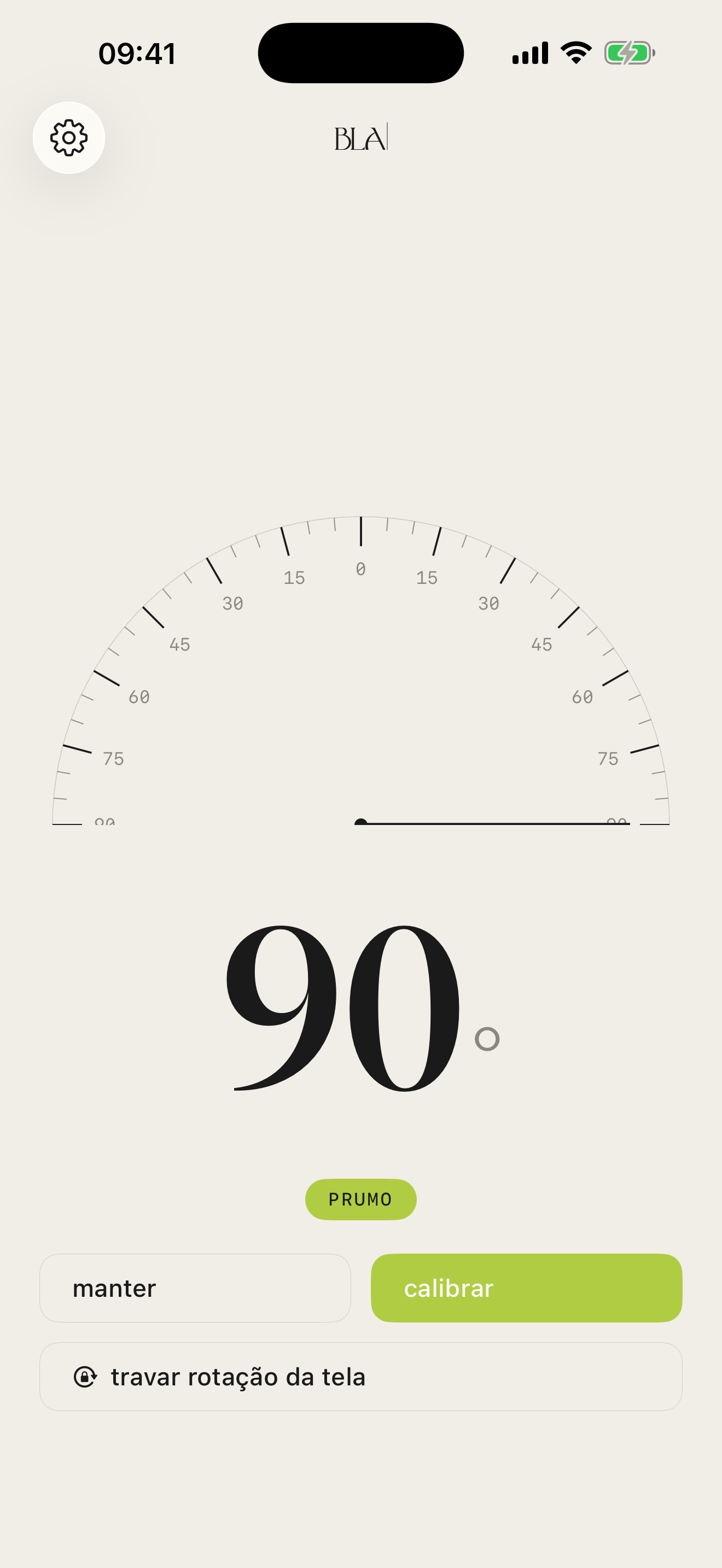
When the angle reaches a value that matters for the job (zero, a third, half, two-thirds, plumb), the app marks it quietly with a green capsule. No full-screen celebration, no alarm. Just an editorial confirmation.
0°
level
30°
third
45°
half
60°
two-thirds
90°
plumb
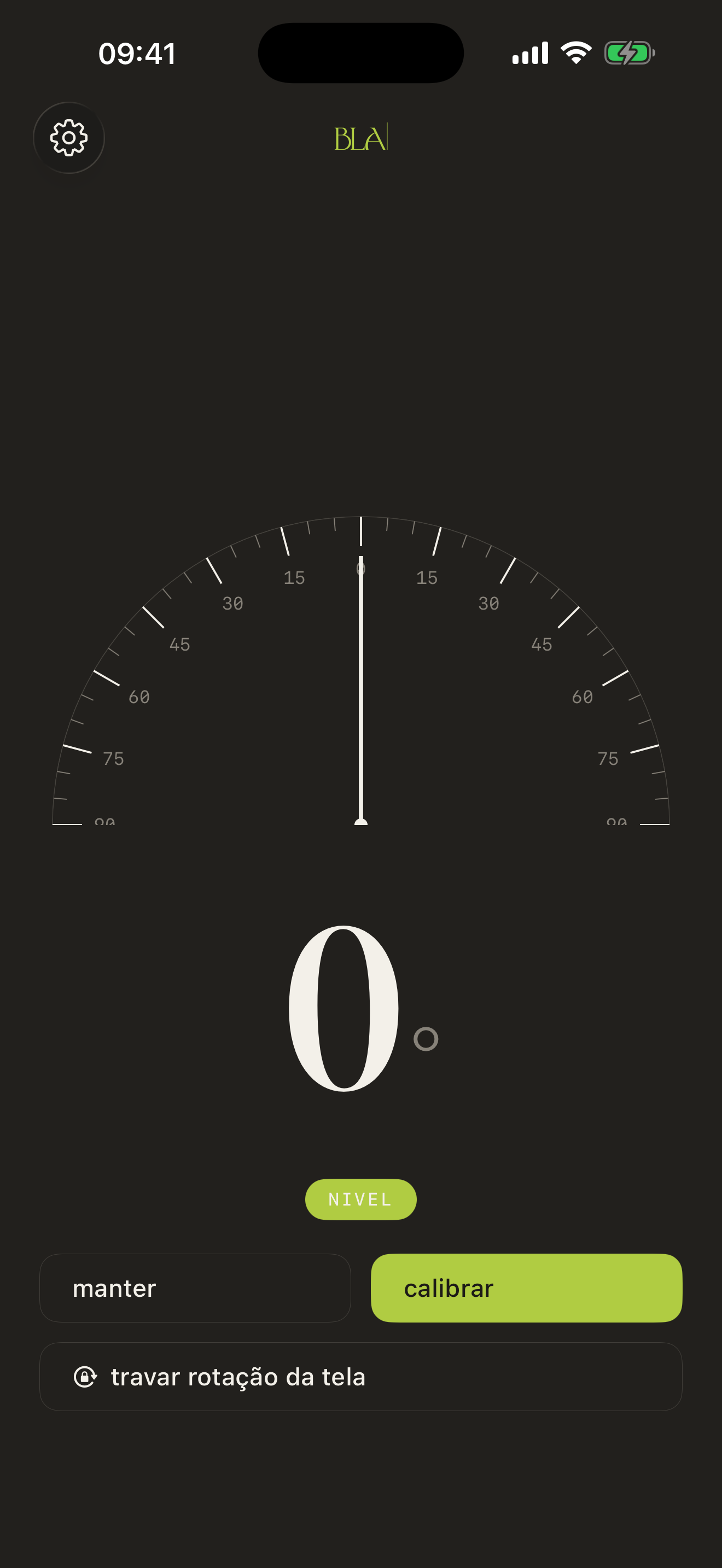
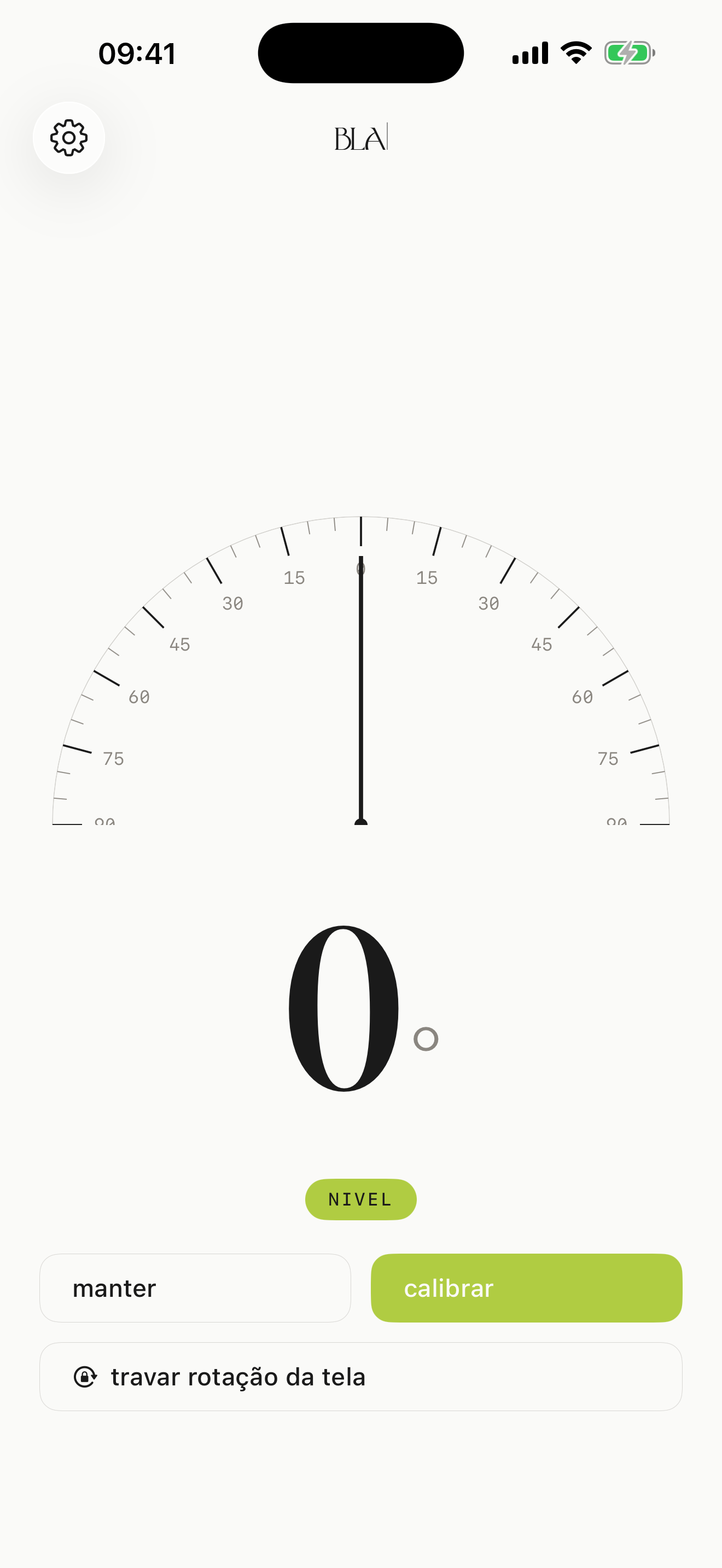
how it looks
You pick one in Settings, the app keeps it.
spec
who makes it
BLA is a content powerhouse built over twenty years of experience in marketing, branding and narrative.
download now
Open, calibrate, measure.
For iPhone with iOS 18 or later.